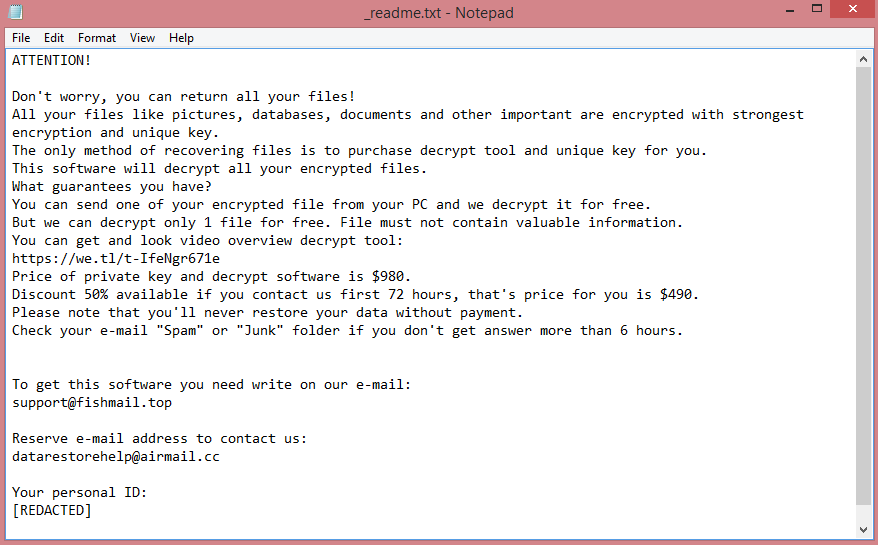
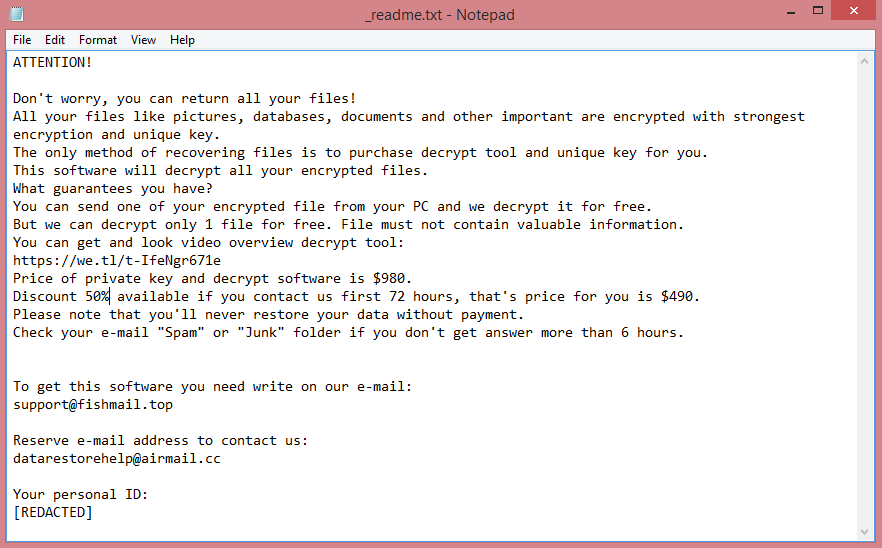
![Eking ransom note:
Your Files Are Has Been Locked
Your Files Has Been Encrypted with cryptography Algorithm
If You Need Your Files And They are Important to You, Dont be shy Send Me an Email
Send Test File + The Key File on Your System (File Exist in C:/ProgramData example : RSAKEY-SE-24r6t523 pr RSAKEY.KEY) to Make Sure Your Files Can be Restored
Get Decryption Tool + RSA Key AND Instruction For Decryption Process
Attention:
1- Do Not Rename or Modify The Files (You May loose That file)
2- Do Not Try To Use 3rd Party Apps or Recovery Tools ( if You want to do that make an copy from Files and try on them and Waste Your time )
3-Do not Reinstall Operation System(Windows) You may loose the key File and Loose Your Files
Your Case ID : [REDACTED]
OUR Email :ekingm2023@outlook.com
in Case of no answer: ekingm2023@onionmail.org
This is the end of the note. Below you will find a guide explaining how to remove Eking ransomware.](https://www.computips.org/wp-content/uploads/2022/10/how-to-remove-eking-ransomware.png)
What is Eking ransomware?
Eking is a ransomware program, called this way because it infects victims’ computers and holds their files out for ransom. This virus belongs to the VoidCrypt ransomware family (do not confuse it with Eking ransomware of the Phobos family).
“How did my files get stolen?”, you might ask. The answer is pretty simple. You might know that certain programs allow you to put a password on your files, making them inaccessible without that password. Ransomware programs do essentially the same, except they don’t ask you for password. Only the hacker behind the program knows it. The ransom involves selling the victim said password, usually referred to as “encryption key” as this is the technical term. Locking the files, meanwhile, is referred to as “encrypting” them.
Eking does more than just encrypt the files, though. To communicate the demands to the victim, it leaves a ransom note, named “INFO.txt”, on the Desktop. The full text is shown on the image above, but basically, it only contains contact information. The virus also renames the files it encrypts. A victim’s ID, the hacker’s contact information, and finally .eking file extension get added to the name of the file.
Hackers behind ransomware will often ignore the victims after they get paid, so we wrote a guide that explains how to remove Eking ransomware and decrypt .eking files without getting in contact with them.