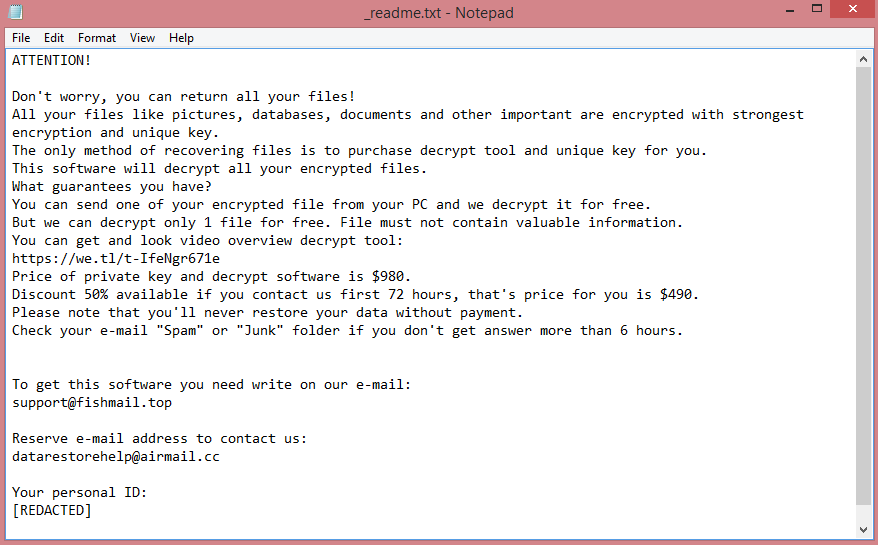
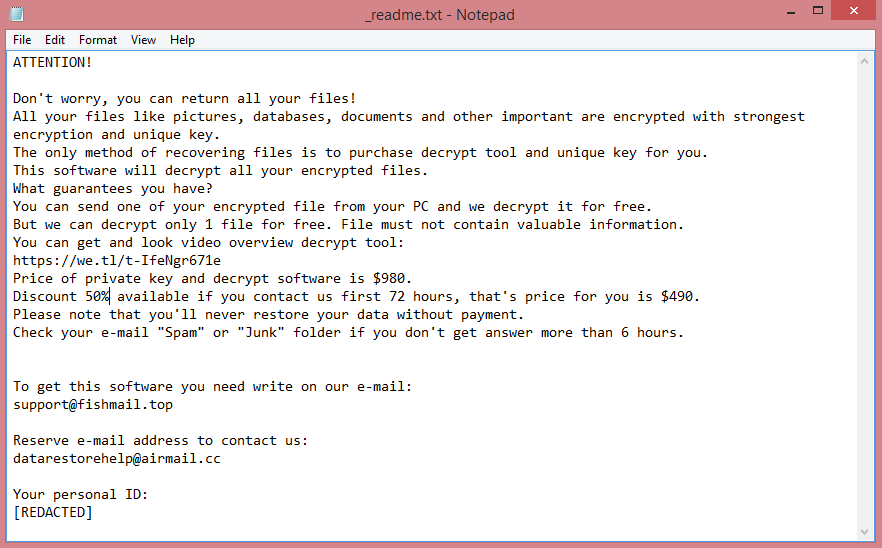
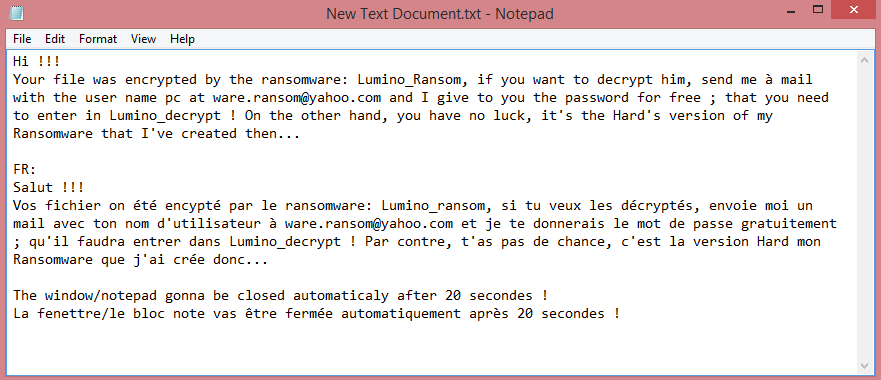
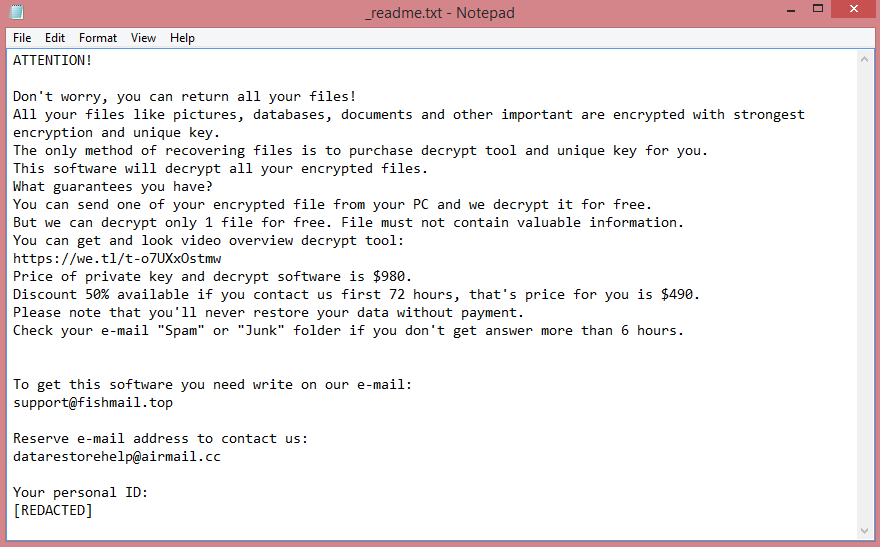
![Inlock ransom note:
¡¡¡TU EQUIPO HA SIDO CIFRADO!!!
Lo sentimos mucho, pero has sido objectivo de un ciberataque.
Todos tus datos personales han sido cifrados. Ponte encontacto conmigo para negociar el rescate.
Una vez me llegue el pago, te haré llegar la herramienta encargada de descifrar todos los ficheros.
Espero que no tengas nada de gran valor ;)
El siguiente código no lo pierdas o no podrás recuperar nunca más tus datos:
[REDACTED]
This is the end of the note. Below you fill find a guide explaining how to remove Inlock ransomware.](https://www.computips.org/wp-content/uploads/2022/11/how-to-remove-inlock-ransomware.png)
What is Inlock ransomware?
Inlock is a malicious program that falls under the category of ransomware. Once it infects a computer, the virus will encrypt all files on it. Encrypted files are essentially useless: you cannot view or edit them. But it’s possible to decrypt them, which will make them accessible again. This, basically, is the ransomware “business model”, to encrypt the files and then demand payment for decryption.
Inlock ransomware does several things beyond just encrypting the files, however. It renames the files as well: all encrypted files receive .inlock file extension. It also leaves a ransom note, named “READ_IT.txt”. Unhelpfully, the note is written in Spanish. The original note can be seen on the image above, and here’s the translation.
![Dom ransom note:
!!! ALL YOUR FILES ARE ENCRYPTED !!!
All your files, documents, photos, databases and other important files are encrypted.
You are not able to decrypt it by yourself! The only method of recovering files is to purchase an unique
private key.
Only we can give you this key and only we can recover your files.
Do you really want to restore your files?
You can write us to our mailboxes: dekrypt666@onionmail.org
(in subject line please write your MachineID: [REDACTED] and LaunchID: [REDACTED])
Attention!
* Do not rename encrypted files.
* Do not try to decrypt your data using third party software, it may cause permanent data loss.
* Decryption of your files with the help of third parties may cause increased price (they add their fee
to our) or you can become a victim of a scam.
This is the end of the note. Below you will find a guide explaining how to remove Dom ransomware.](https://www.computips.org/wp-content/uploads/2022/11/how-to-remove-dom-ransomware.png)
![Eking ransom note:
Your Files Are Has Been Locked
Your Files Has Been Encrypted with cryptography Algorithm
If You Need Your Files And They are Important to You, Dont be shy Send Me an Email
Send Test File + The Key File on Your System (File Exist in C:/ProgramData example : RSAKEY-SE-24r6t523 pr RSAKEY.KEY) to Make Sure Your Files Can be Restored
Get Decryption Tool + RSA Key AND Instruction For Decryption Process
Attention:
1- Do Not Rename or Modify The Files (You May loose That file)
2- Do Not Try To Use 3rd Party Apps or Recovery Tools ( if You want to do that make an copy from Files and try on them and Waste Your time )
3-Do not Reinstall Operation System(Windows) You may loose the key File and Loose Your Files
Your Case ID : [REDACTED]
OUR Email :ekingm2023@outlook.com
in Case of no answer: ekingm2023@onionmail.org
This is the end of the note. Below you will find a guide explaining how to remove Eking ransomware.](https://www.computips.org/wp-content/uploads/2022/10/how-to-remove-eking-ransomware.png)